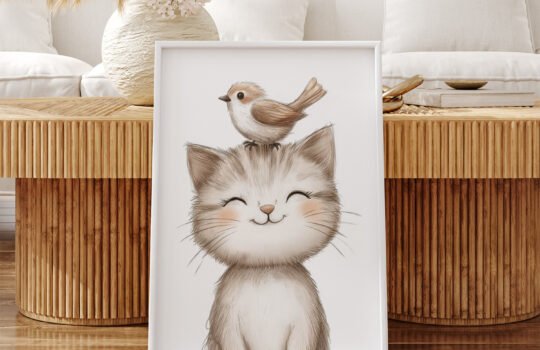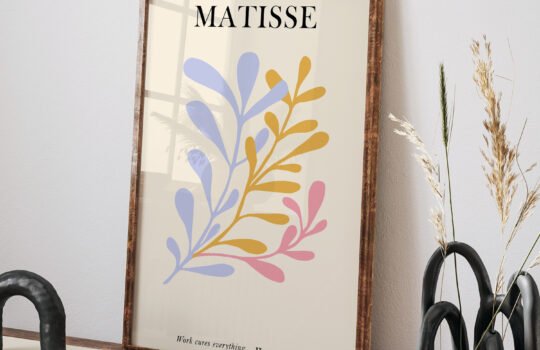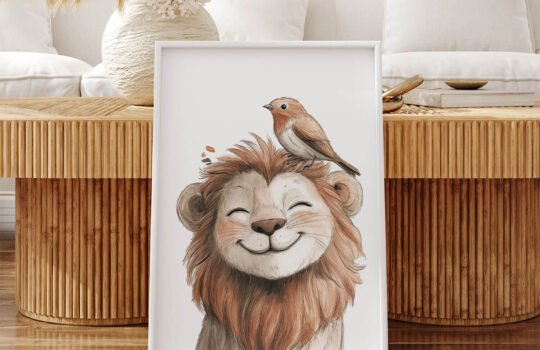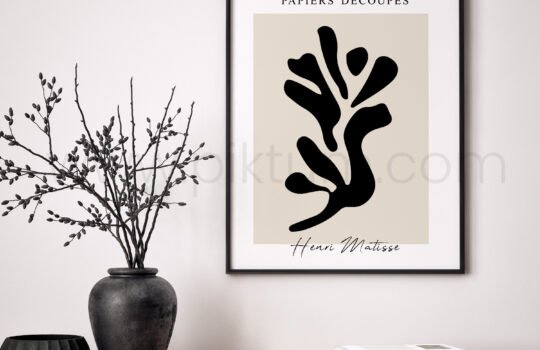
Digital wall art is the fastest way to decorate — you can go from empty wall to framed art in an afternoon. But first, you need to turn that downloaded file into a physical print. Here are the three ways to do it, from cheapest to most premium.
Option 1: print at home
Perfect for sizes up to A4/letter (or A3 if your printer supports it). For results that look bought, not printed:
- Use matte photo paper or heavyweight paper (170–250 gsm) — regular copy paper is too thin and dulls colors.
- In your print dialog, choose the highest quality setting and the correct paper type — this matters more than the printer brand.
- Turn off “fit to page” and set the exact size to avoid stretched artwork.
Cost: roughly the price of paper and ink — usually under a dollar per print.
Option 2: online print services
Upload your file to any online photo lab and have prints shipped to you. This is the sweet spot for larger sizes (12×16″ and up) and consistent color. Choose matte or luster finish for art prints — glossy shows glare and fingerprints on walls. Typical cost: a few dollars for medium prints, $10–25 for poster sizes — still a fraction of buying physical art shipped in a tube.
Option 3: local print or copy shop
The underrated option. Bring your file on a USB stick or email it, and you will walk out with a poster-size print in minutes. Local shops handle large formats, can print on fine-art paper or even canvas, and you can check colors on the spot. This is our recommended route for statement pieces above 18×24″.
Framing on a budget
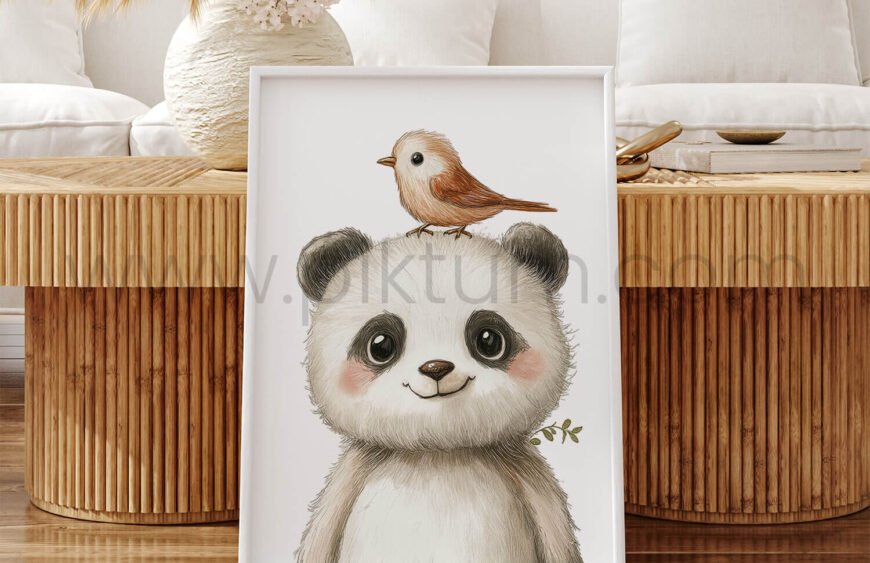
Standard-ratio prints (2:3, 3:4, 4:5, A sizes) fit off-the-shelf frames from any home store — that is exactly why Piktum artworks are designed for standard ratios. Thrift stores are also full of solid frames that just need a new print inside.
The 15-minute workflow
- Buy and download your artwork (files arrive instantly at Piktum).
- Decide the size — see our print size guide.
- Print at home, order online, or visit a local shop.
- Frame and hang. Done.
Browse the full library — every file is 300 dpi, print-ready, and yours to print as many times as you like.